Integrating Your Reporting System
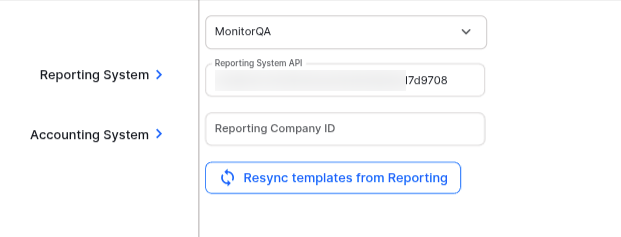
The HWIT Fundamentals Package works with both MonitorQA and SafetyCulture reporting systems.
When you first enter the Reporting System integraiton — click on Settings on the side menu, the Integrations tab, then Reporting System, it will be set to None.
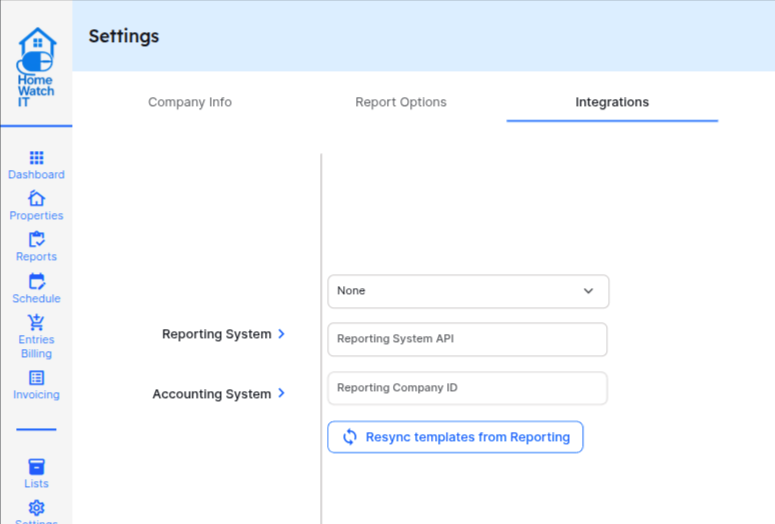
To integrate with your SafetyCulture system, change the dropdown from None to SafetyCulture. You will then be prompted to log into your SafetyCulture account. This should be the account for the primary user at your company so that the system will work properly for all of your company users.
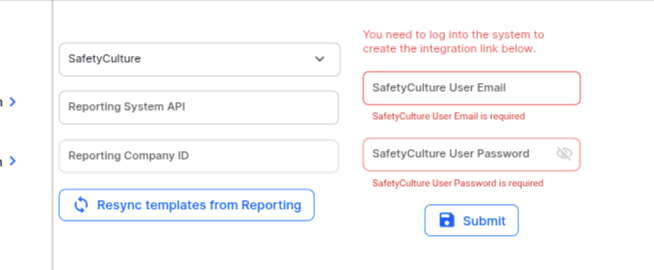
Once logged in, you’ll be able to sync your templates to HWIT.
If you purchased your MonitorQA subscription through HWIT, this step is completed for you automatically. If you have your own subscription, directions on how to connect will be added to this document in the future (Connect HWIT for now).