
Calendar Integration
You can integrate or link your reports schedule with an external calendar program. Most calendars accept an .ics link feed which will allow HWIT to pass all upcoming report information to your calendar for visibility.
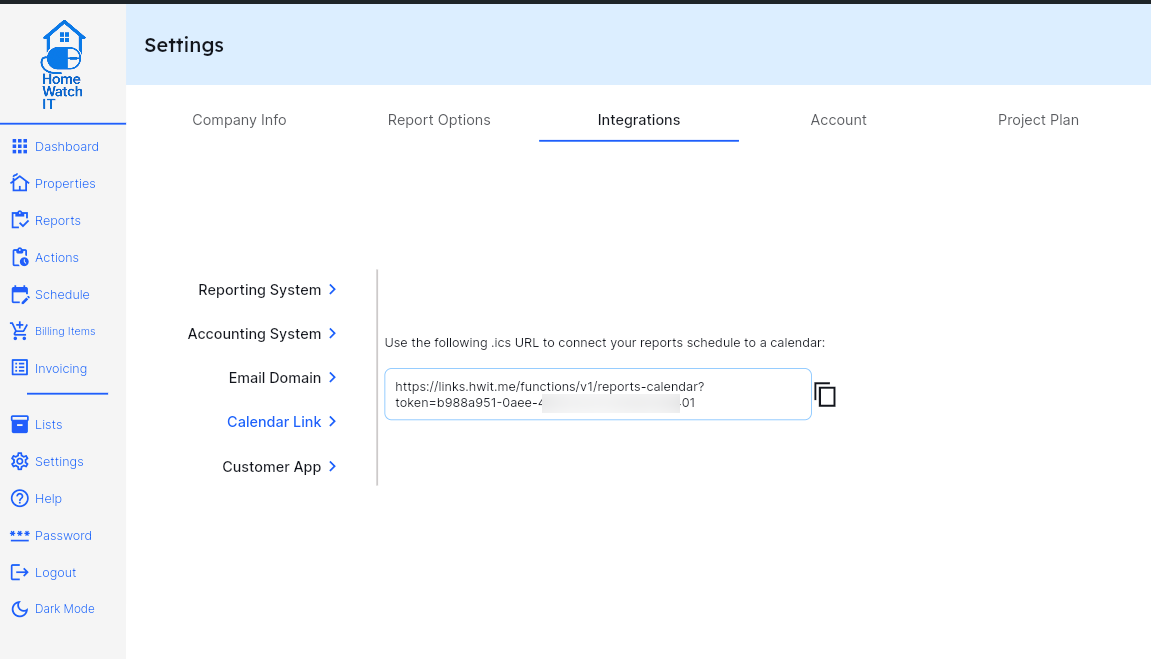
To get your .ics url/link, go to the Settings screen, select Integrations, and then Calendar Link. The link is displayed and you can press the copy button to copy the link to your clipboard.
To use the link in your calendar program, please refer to your calendar’s help documentation as the process to use it varies for each program/app.