Completing a Report with AI
(beta)
You have the option to complete a report with AI prompts, rather than answering each question individually. As AI continues to evolve, if you find certain prompts you use to not totally function with your template, please let us know so that we can use it to update and train the AI assistant in the reports.
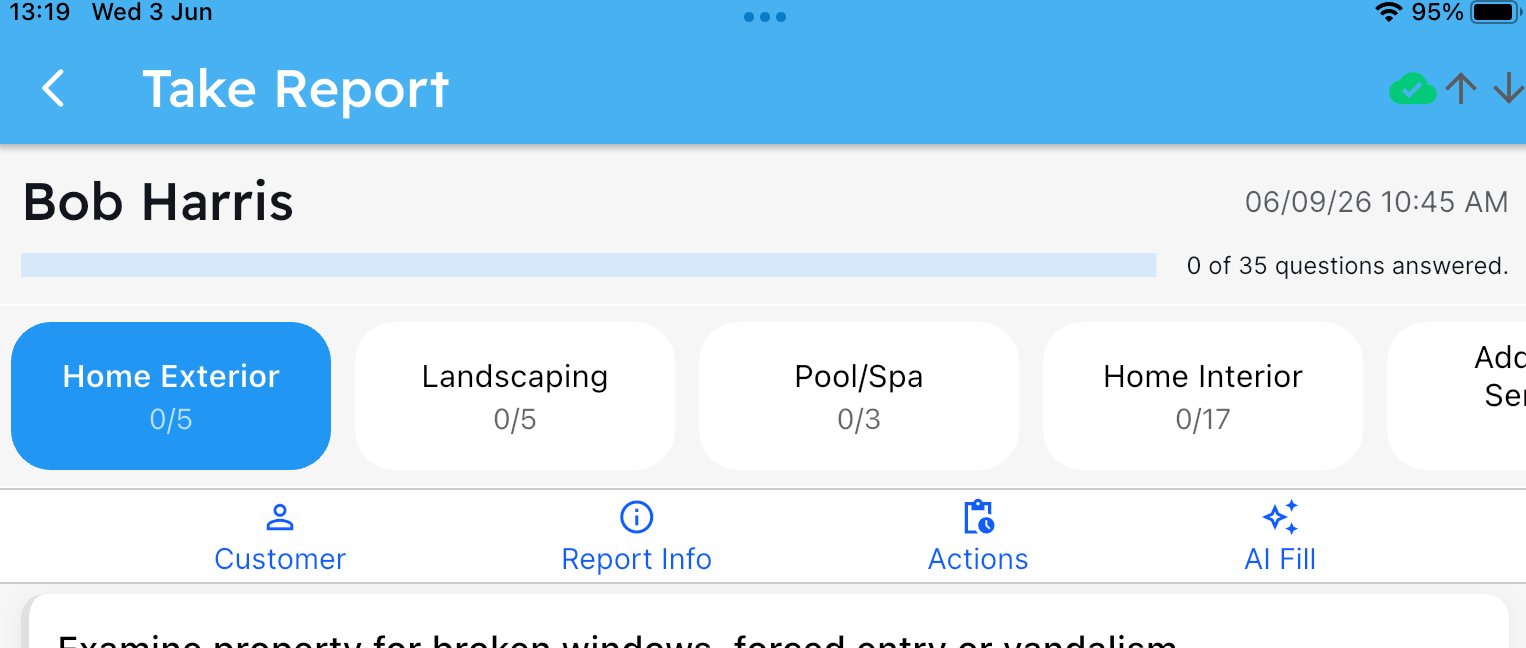
When opening the report, click the AI Fill button in the primary action bar:
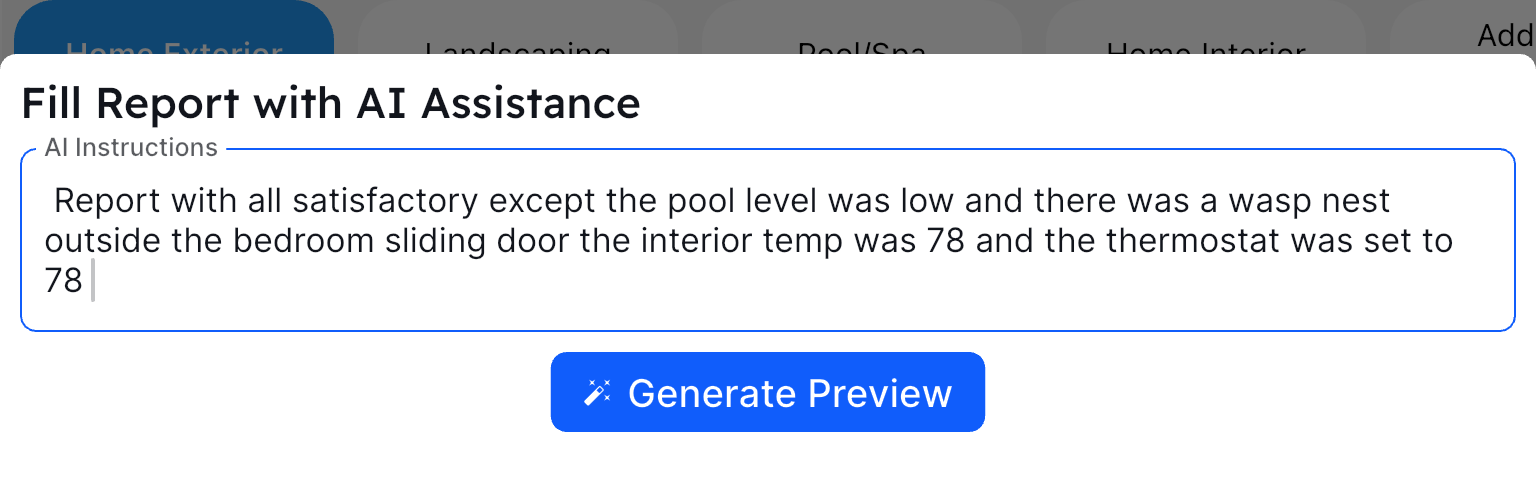
You will then have the ability to enter a complete prompt on how you want the report to be filled out. You can type the prompt, or if your keyboard supports voice input, use that and dictate how you want the report filled out. In this example we used voice dictation and described the report to the AI Assistant:
Hit the Generate Preview button, and the AI Assistant will then think about how to fill in your report template using the information provided. After a few seconds, AI will display a preview of the report questions and how it determined each should be filled in.
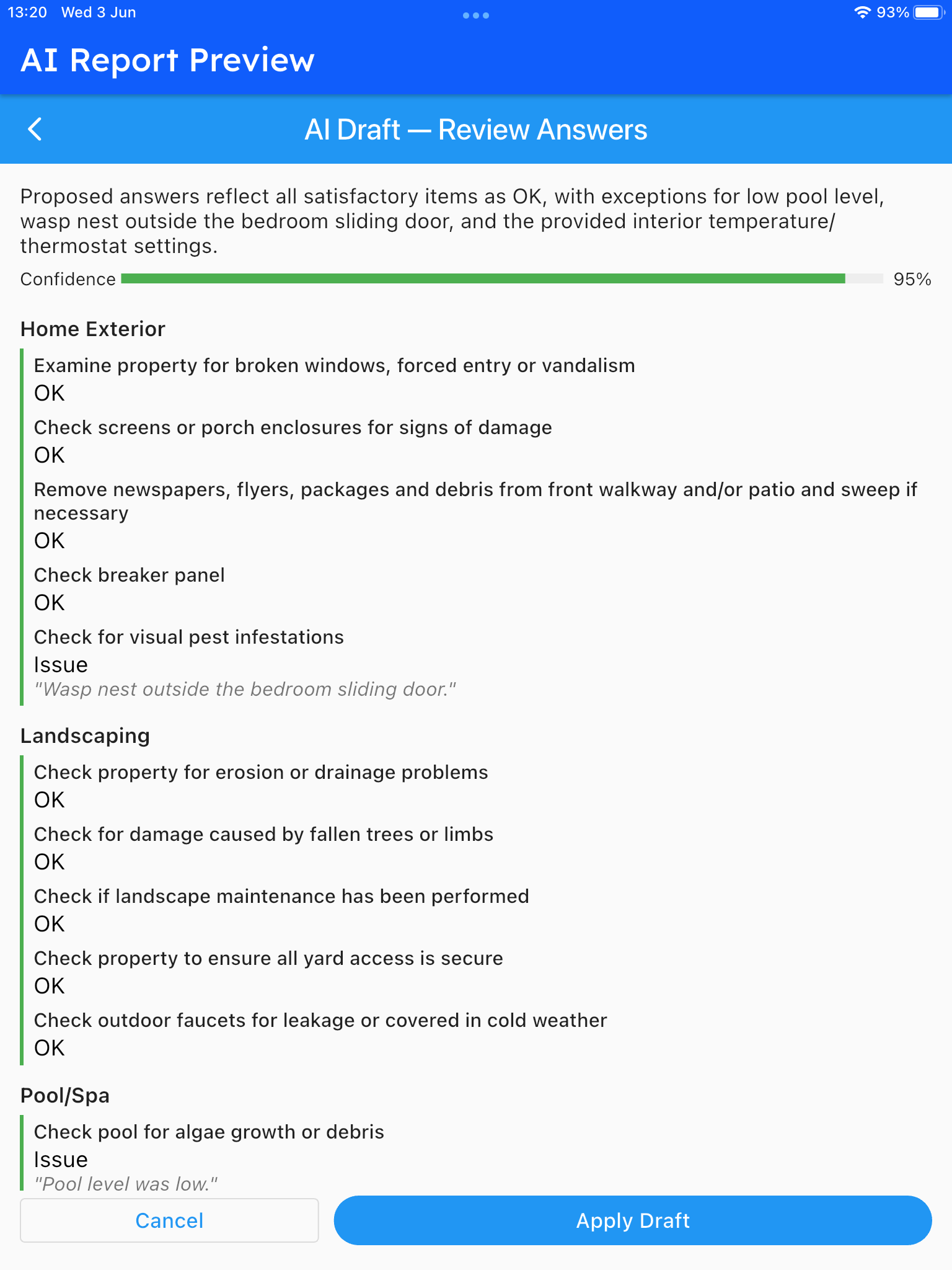
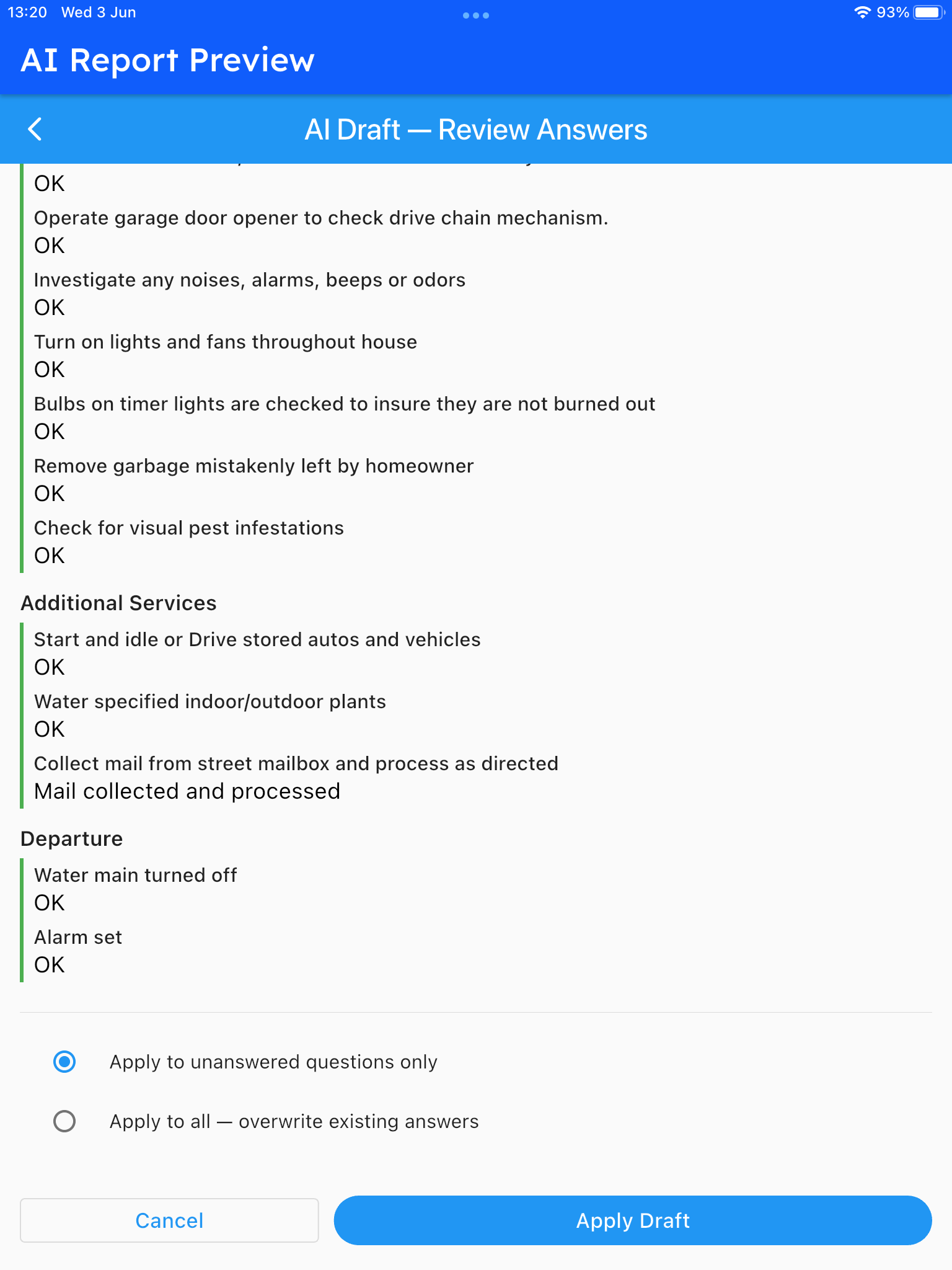
You can see how it filled in notes on the Wasp Nest under the pest infestation question, and also marked it as an Issue. Scrolling to the bottom you can see the remainder of the questions, and can then apply the AI’s thoughts directly to your report:
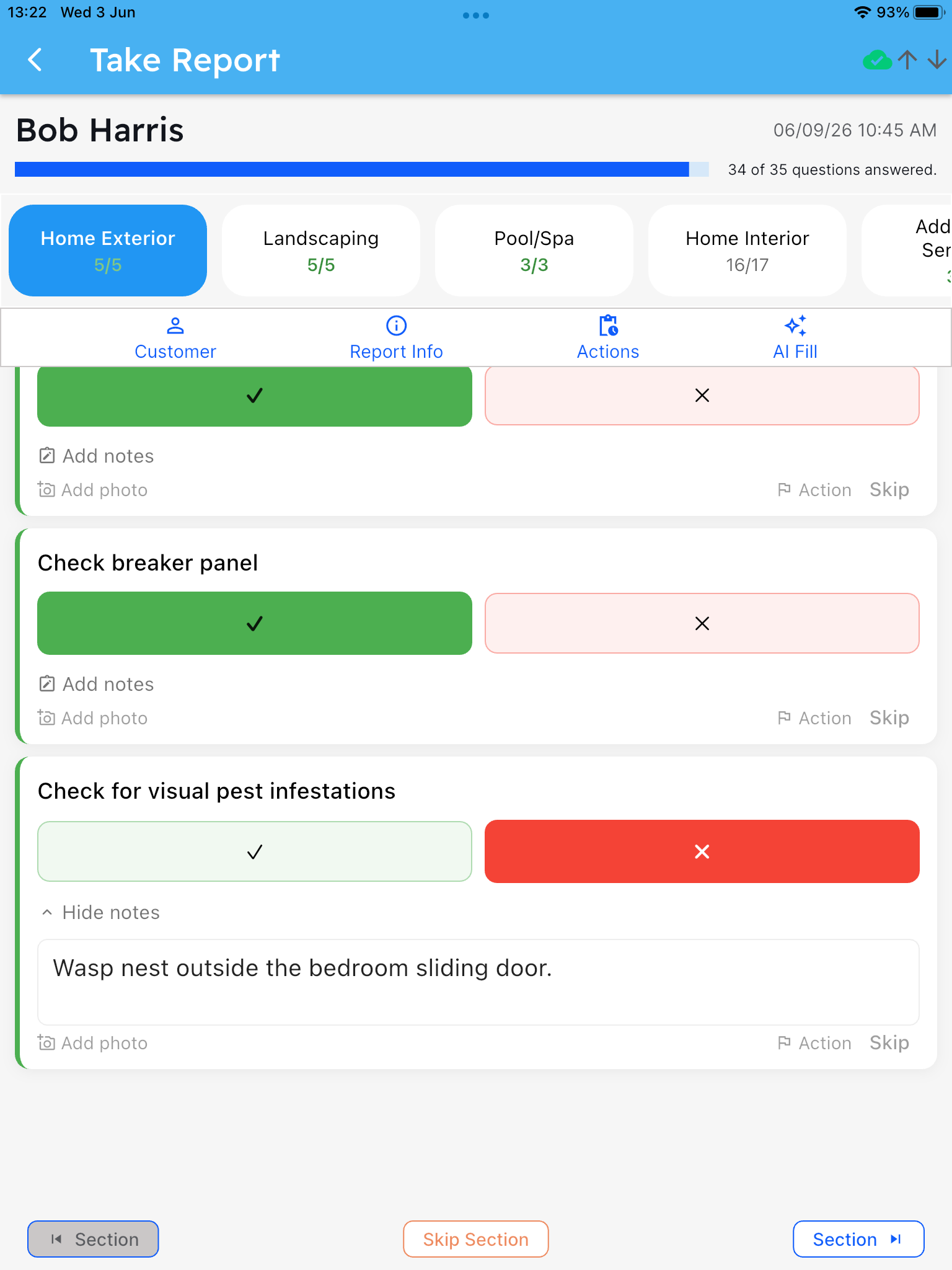
Once complete, you will see the answers given, notes entered, and the report is ready for you to add any necessary photo documentation, edits, and then mark it complete!