
Ask AI - Smart AI Searching
Search your reports for any information
The AI Search feature allows you to use natural language to find specific data, trends, or history buried across all your previous reports. Instead of filtering through spreadsheets, you can simply ask the system a question.
Getting Started
- Navigate to the Reports Screen.
- Click the blue Ask AI button in the corner to open the search interface.
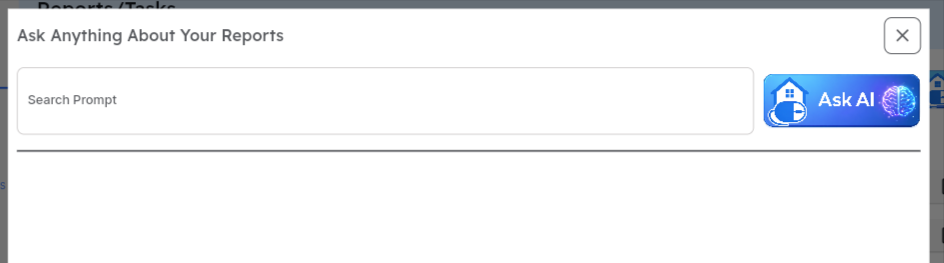
Crafting Your Prompt
Section titled “Crafting Your Prompt”The search engine understands context, so you can speak to it like a colleague. Your prompts can include:
- Action Verbs: Use words like List, Count, or Show.
- Customer & Property Specifics: Type a customer name, and the system will automatically match it to your database.
- Note: If a customer has multiple properties or similar names, use the dropdown menu that appears to refine your selection before searching.
- Timeframes: Specify dates naturally, such as “Last year,” “This month,” or “Between June 2025 and August 2025.”
- Keywords & Findings: Search for specific phrases found within report notes, such as:
- “Pool fill issue”
- “Moisture detected”
- “Leak present in master bedroom”

Examples of Powerful Prompts
Section titled “Examples of Powerful Prompts”- “Count how many pool fill issues we found last summer.”
- “Show all reports for Smith between January and March.”
- “List all properties where moisture was detected in 2025.”
Reviewing ResultsOnce the AI generates your list:
- View Details: Click on a report row to see the summary info.
- Open Report: Click the Open Link icon to launch the full PDF or digital report.