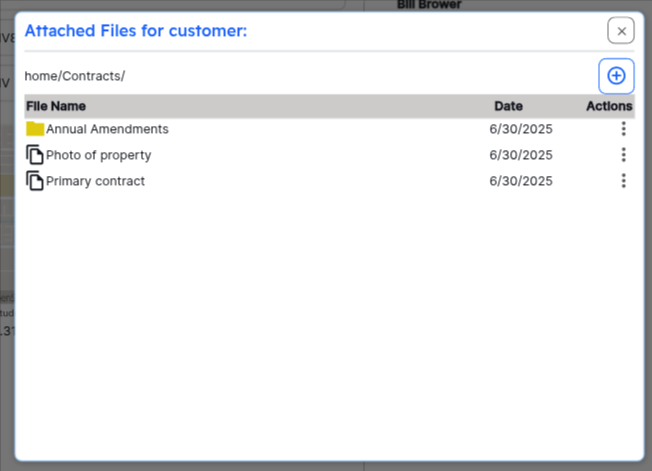
Attaching Files to Customers
You can attach files (photos, invoice PDFs, etc) to any customer within the system. HWIT also allows you to arrange the attached files within folders for easy organization.
Once you enter the Attachments screen, you will be presented with a window allowing you to see the files and manage the folders:
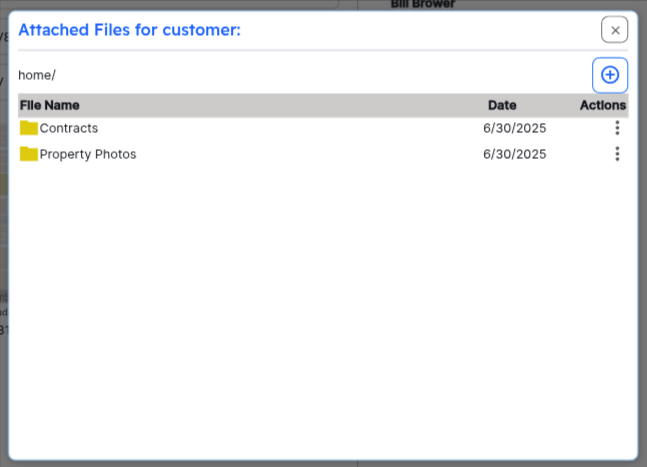
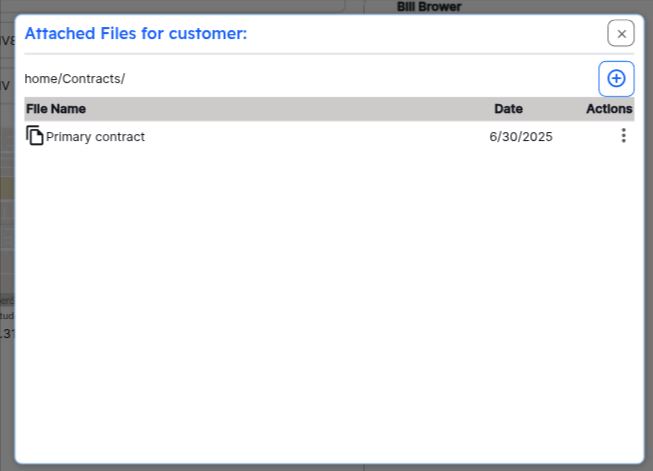
You can click on and file or folder in the list in order to navigate. For example, click on Contracts to move to the Contracts folder:
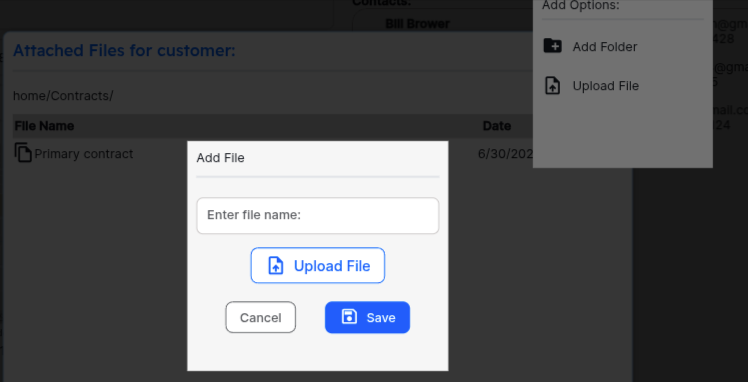
To add a new file or folder to your current location, click the + button in the upper right. Select the file or folder option and Save your file or folder to the current location.
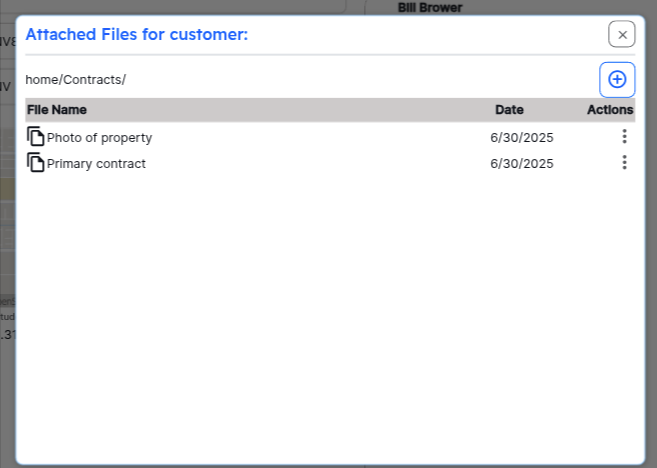
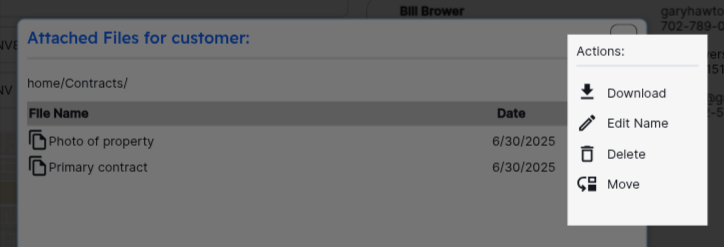
Interact with a file or folder by clicking the 3 dots to the right of the file name. You will be given the options available, which can vary depending on if the item is a folder or a file.
Folders will always be shown first, followed by any files in a particular location. You can always click on “Home” to take you to the home directory for that customer’s files: